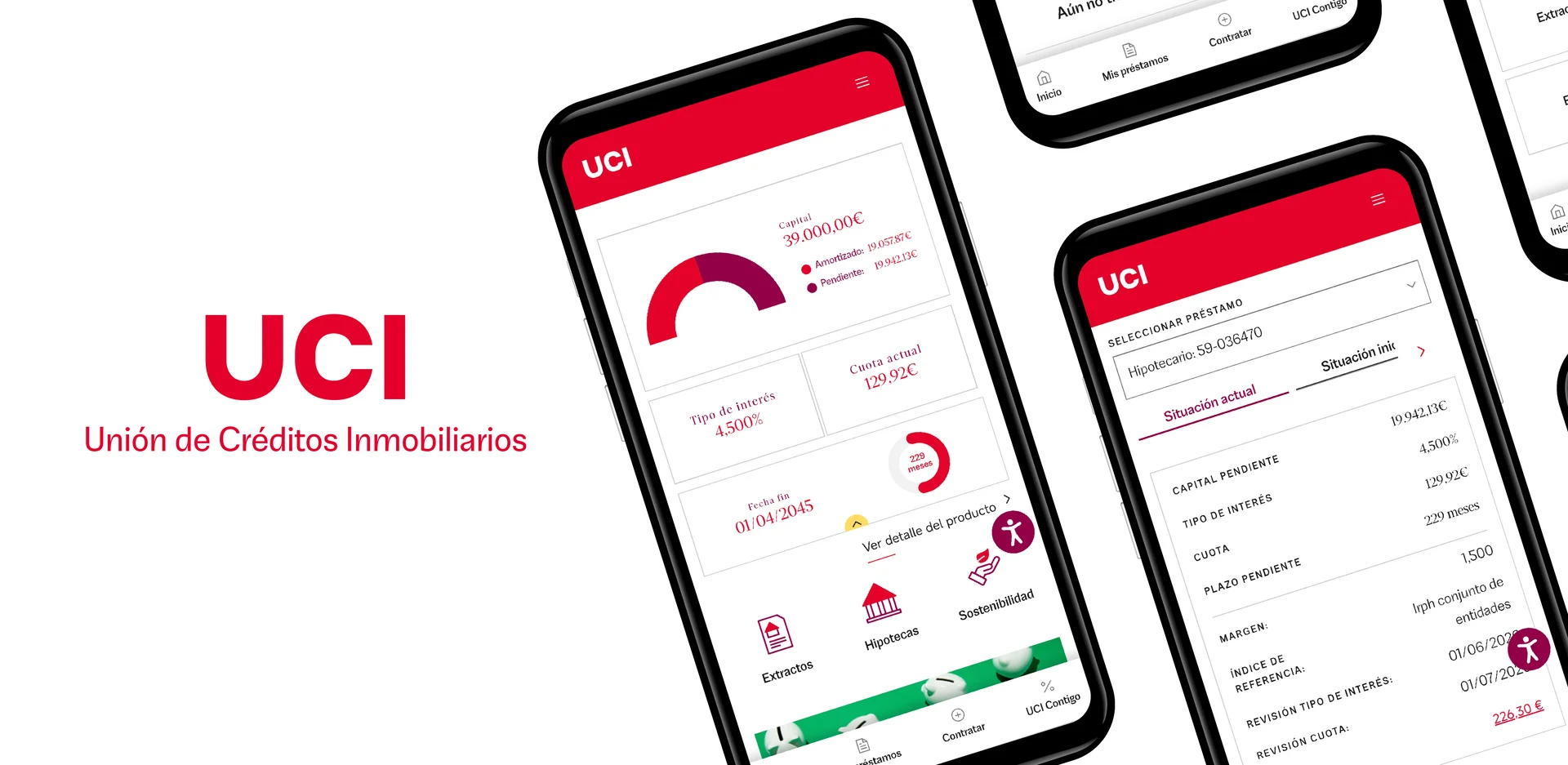
Managing your mortgage and having all your financing information at your fingertips is now even easier. At UCI, we continue to improve our digital channels so you can easily access and manage everything related to your loan, wherever you are.
In addition to the services and features available on Your Website, the UCI Customer Area , there's now the new UCI App for Android , a more convenient and direct way to check your receipts, review your mortgage information, or access your documents from your mobile device. And, if you prefer, you can continue accessing Your Website through your browser.
Download the UCI App on Android
If you have an Android device, you can now take UCI with you wherever you go. Download the UCI App from Google Play and quickly and easily access your financing information from your mobile device.
Once installed, you can log in with your usual details and view the available information about your loan.
What can you find in the ICU App?
From the UCI App you can access the most important information related to your mortgage or financing:
- Check your latest receipts.
- Review your loan information.
- Access your documents and communications.
- Check your financing details whenever you need to.
Do you prefer to access it from your browser?
You can also access Your Website, the UCI Customer Area , from your browser, both from your computer and your mobile phone.
On Your Website you'll find all the information and documentation you need about your mortgage. You can view your last 12 statements and the review letters from the last five years . Additionally, in the "Documentation" section, under "Signature Documentation," you'll find your mortgage deed.
Do you have an iPhone?
If you use an iOS device, you'll be able to enjoy the app very soon. In the meantime, you can continue accessing the UCI Customer Area from Safari and add a shortcut to your iPhone's home screen for easy access.
- Access the UCI Customer Area from Safari.
- Press the Share button.
- Select Add to Home Screen .
- Confirm by pressing Add .
From that moment on you will have direct access to Your Website from your iPhone's home screen.
Frequently Asked Questions about the UCI App and the Customer Area
Where can I download the ICU app?
The UCI App is available for Android devices and you can download it directly from Google Play.
How can I access the ICU Customer Area?
You can access Your Website, the UCI Customer Area , from your browser using your usual login credentials. If you have an Android device, you can also access it through the UCI App.
Can I view my mortgage receipts?
Yes. From your customer area you can view the last 12 available receipts for your mortgage, as well as other documentation related to your loan.
Is the ICU app available for iPhone?
The UCI app will be available very soon. In the meantime, if you have an iPhone, you can access the UCI Customer Area from Safari and add a shortcut to your device's home screen.
Do I need different login credentials to access the UCI App?
No. You can log in using your usual UCI Customer Area login details.
What do I do if I have trouble logging in?
If you do not remember your login details or are having trouble accessing your Customer Area, you can use the recovery options available on the login page or contact UCI through our usual channels.


